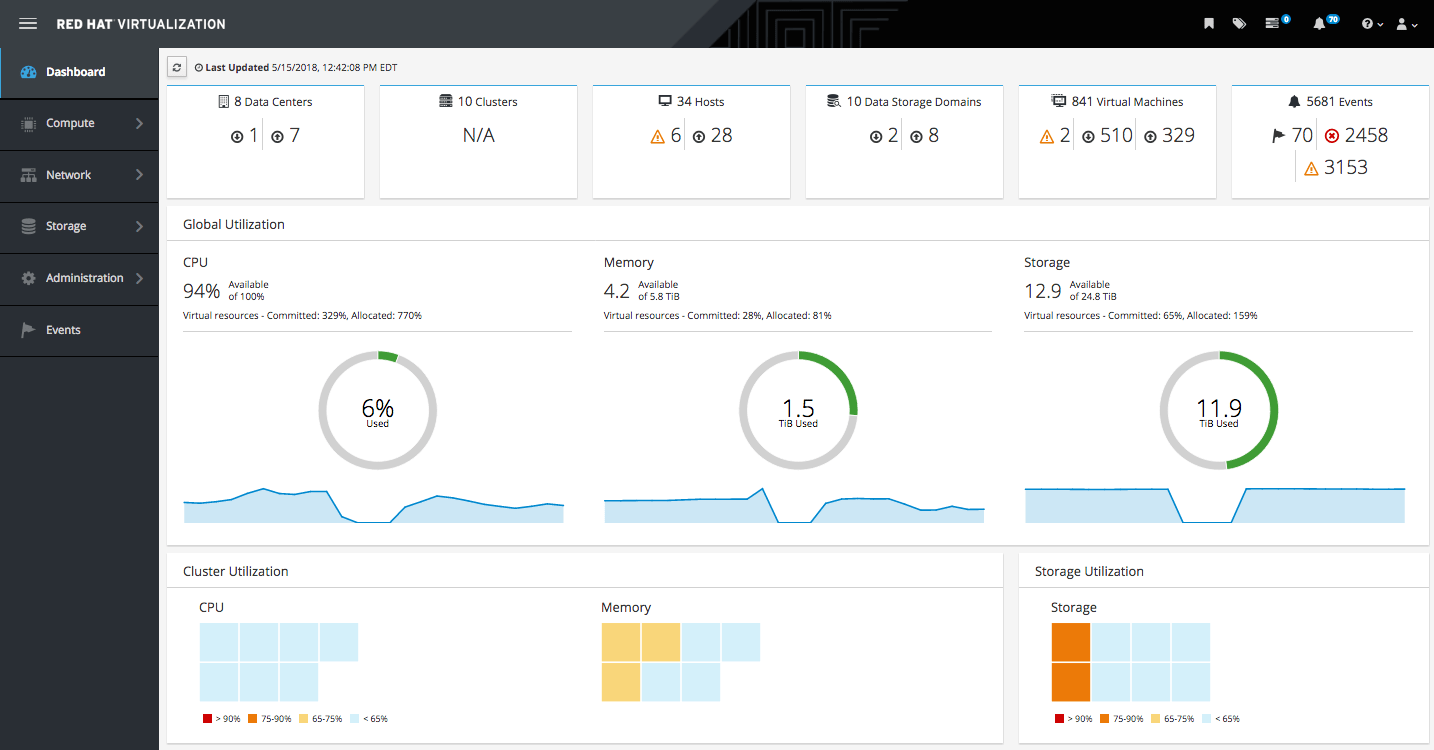
Red Hat® Virtualization is an open, software-defined platform that virtualizes Linux and Microsoft Windows workloads. Built on Red Hat Enterprise Linux® and the Kernel-based Virtual Machine (KVM), it features management tools that virtualize resources, processes, and applications - giving you a stable foundation for a cloud-native and containerized future.
Virtualization is technology that allows you to create multiple simulated environments or dedicated resources from a single, physical hardware system. Software called a hypervisor connects directly to that hardware and allows you to split 1 system into separate, distinct, and secure environments known as virtual machines (VMs). These VMs rely on the hypervisor’s ability to separate the machine’s resources from the hardware and distribute them appropriately. Virtualization helps you get the most value from previous investments.
The physical hardware, equipped with a hypervisor, is called the host, while the many VMs that use its resources are guests. These guests treat computing resources - like CPU, memory, and storage - as a pool of resources that can easily be relocated. Operators can control virtual instances of CPU, memory, storage, and other resources, so guests receive the resources they need when they need them.
|